
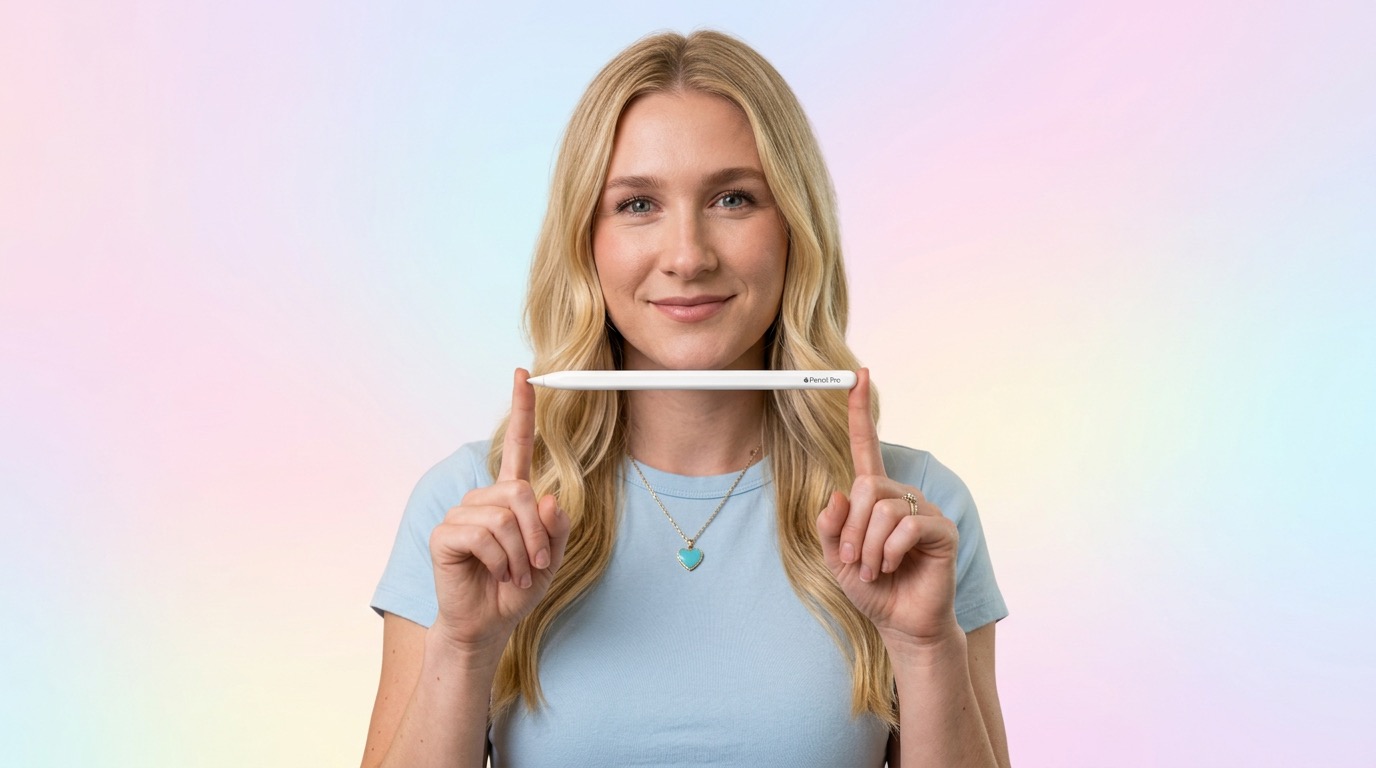
Apple Pencil Pro took an already amazing stylus and added features that genuinely change how you use it. The barrel roll rotation makes shaped brushes feel real. The squeeze gesture means I never leave the canvas to switch tools. Haptic feedback gives a satisfying click for every action. And Find My means I'll never lose another $129 pencil in the couch cushions. If you have a compatible iPad, this is a must-have.
Barrel Roll — The Headline Feature
Barrel roll sounds like an airplane maneuver, but it's actually the most exciting Apple Pencil feature in years. A built-in gyroscope detects the rotation of the pencil in your hand. When you're using a shaped brush — like a calligraphy pen, marker, or flat brush — the stroke rotates on screen as you rotate the pencil.
In practice, it feels incredibly natural. When I'm doing calligraphy in Procreate, I rotate the pencil slightly for thick and thin strokes, just like with a real calligraphy pen. It's one of those features where you don't realize how much you wanted it until you have it.
Squeeze Gesture
This is my most-used new feature. Give the pencil a gentle squeeze and a contextual tool palette pops up right where you're working. Switch from pen to eraser, change colors, adjust line width — all without moving your hand to the toolbar.
It sounds small, but it's a massive workflow improvement. I used to break my creative flow every few seconds reaching for the toolbar. Now everything happens right at the tip of the pencil. The haptic click when you squeeze is deeply satisfying — you feel the confirmation in your fingers.
Haptic Feedback
Speaking of haptics, Apple Pencil Pro has a built-in taptic engine. You feel a subtle click for actions like squeeze, double-tap, and snapping to guides. It's the same principle as the iPhone's home button — physical feedback from digital actions. It makes every interaction feel more intentional and real.
Find My
Finally. FINALLY. Apple Pencil Pro supports Find My, so when it inevitably rolls between couch cushions or hides in your bag, you can locate it from the Find My app. If it's nearby, it plays a sound. If not, you can see its last known location. This alone might justify the upgrade for anyone who's ever lost an Apple Pencil.
Hover & Precision
Like Pencil 2, the Pro supports hover preview on compatible iPads — you can see where the stroke will land before touching the screen. Pressure sensitivity, tilt detection, and the zero-latency drawing experience are all carried over and feel as precise as ever. Apple Pencil still has the best writing and drawing feel of any tablet stylus, period.
Charging & Pairing
Same as Pencil 2: magnetically attach to the side of your iPad to charge and pair. A few seconds of charging gives you minutes of use. Full charge happens quickly and lasts hours. The magnetic attachment is strong enough that it stays put in a bag.
What I Love
- Barrel roll rotation — big deal for art
- Squeeze gesture for quick tool switching
- Haptic feedback feels amazing
- Find My support (finally!)
- Hover preview on compatible iPads
- Pixel-perfect precision and zero latency
- Magnetic charging on iPad side
- $129 — reasonable for the tech inside
Worth Noting
- Only works with iPad Pro M4 and iPad Air M2
- Not all apps support barrel roll yet
- Looks identical to Pencil 2 (easy to confuse)
- No USB-C charging option
Who Should Buy This
If you have an iPad Pro M4 or iPad Air M2 and use a stylus at all — for drawing, note-taking, annotations, or design — Apple Pencil Pro is the obvious choice. The barrel roll and squeeze gesture are meaningful upgrades that genuinely improve the experience. Digital artists will love the rotation sensing. Note-takers will love the squeeze-to-switch. Everyone will love Find My. At $129, it's one of the best accessories Apple makes.